

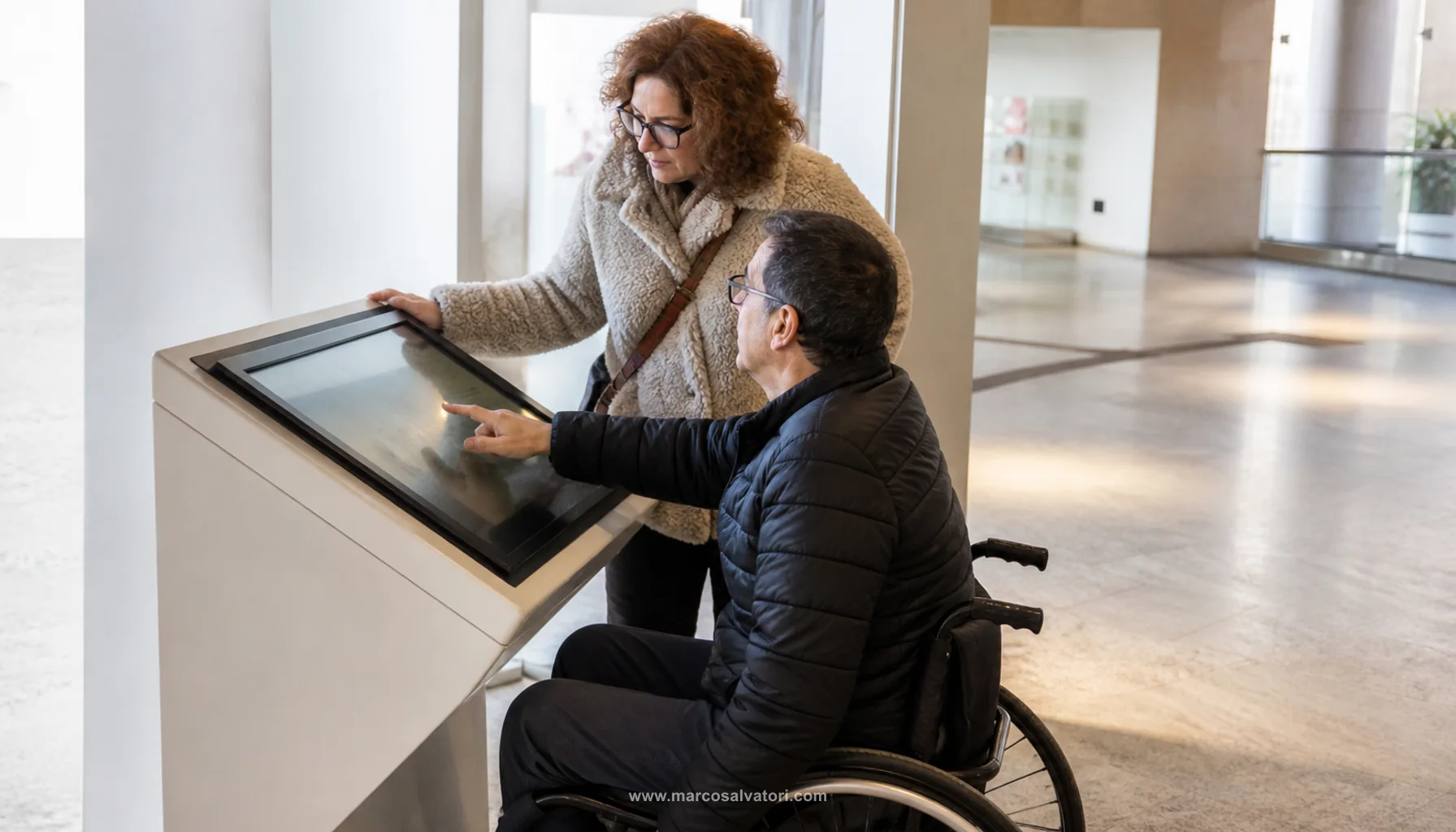
1. Define an Accessibility Strategy
Creating an accessible website design begins with defining an accessibility strategy. The strategy must be clear and define guidelines for the design, development and maintenance of the website. The strategy should alsoidentify the people who are responsible for ensuring that the website complies with accessibility guidelines.
2. Use an Accessibility Structure
Once you have defined your accessibility strategy, you need to create an accessibility structure for your website. The structuremust be designed to ensure that all content is accessible to all users. The structure should also be designed in a way that allows users to easily navigate the website and find the content they want.
3. Use Accessible Design
Once definedthe accessibility structure, it is necessary to design the website in an accessible way. Design should focus on accessibility and usability. The design should also take into account the technology used by different users, such as mobile devices.
4. TestAccessibility
Once the design is complete, you need to test the accessibility of your website. Tests should be performed by people with disabilities and by people using different devices and browsers. Testing must be performed to ensure that the website is accessible to all users.